
Every pivot.
At a glance.
See your pivots together on a farm map. Check their position, direction and operating state without opening each machine.

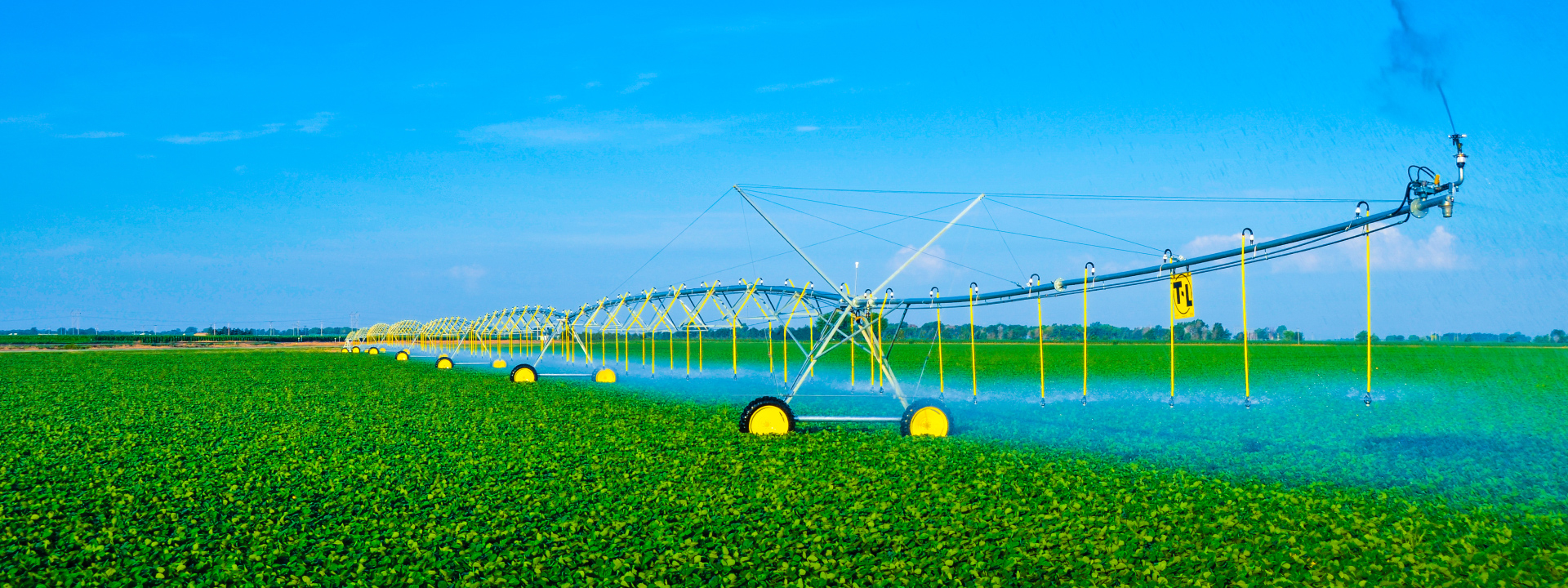
SMARTER CONTROL FOR T-L PIVOTS
A clearer view of your irrigation.
From wherever the day takes you.
See your pivots on one farm map, check their status and direction, and manage your irrigation from your phone.
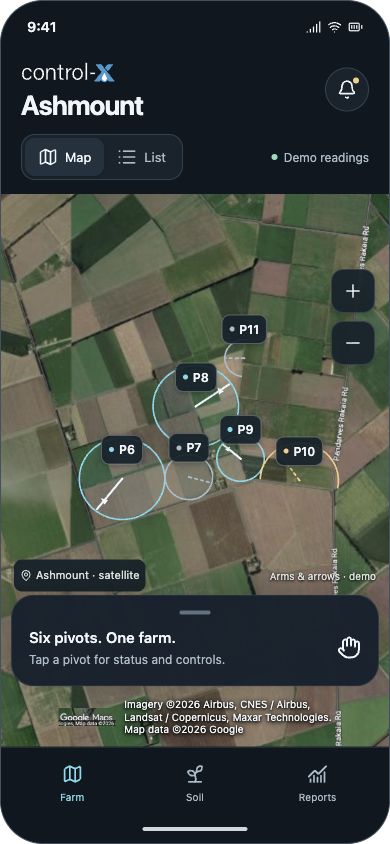
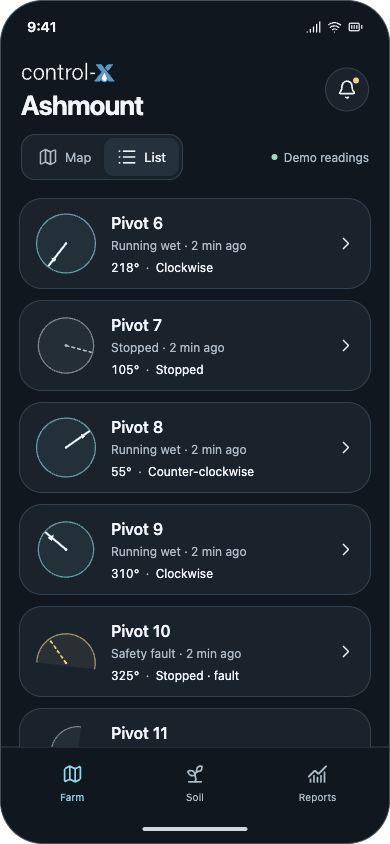
Farm map + pivot list · Illustrative app screens
YOUR PIVOTS. ONE CLEARER VIEW.
The information you need for everyday irrigation, right in your hands.
See your pivots together on a farm map. Check their position, direction and operating state without opening each machine.
Check application settings, pressure and flow, then access the controls available for your pivot from your phone.
Review application by angle, recorded water use and run history. A clearer picture of your irrigation, beyond the current run.
A LITTLE LESS COMPLEXITY
Built around the questions you ask in the field.
Available readings and commands depend on the installed controller, sensors and connection.
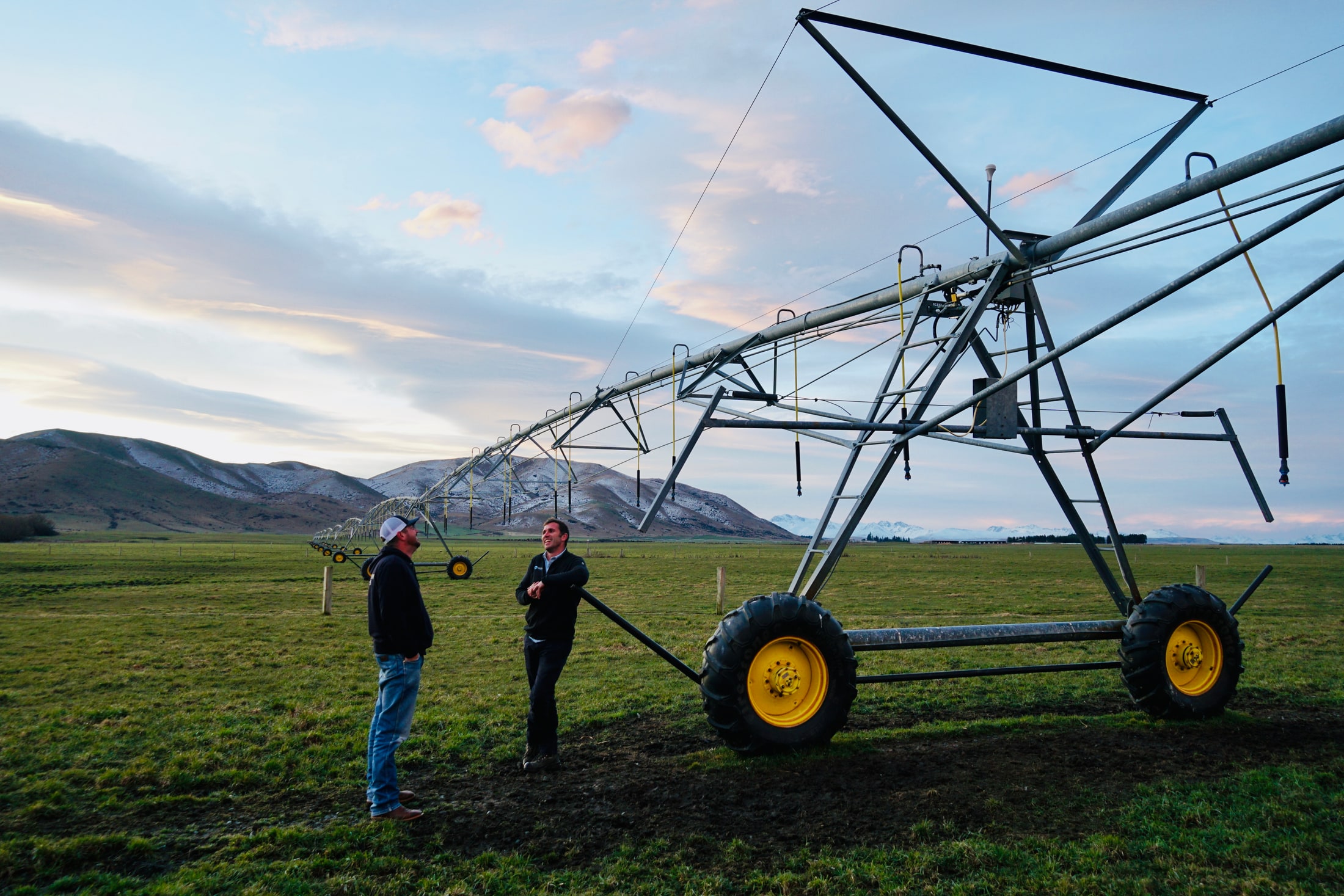 T-L IRRIGATION / IN THE FIELD
YOUR T-L, CONNECTED
T-L’s hydrostatic drive is built around continuous movement. Control-X brings a clear digital view to the way you manage your T-L irrigation.
From the first look at your controller to the view on your phone, Resolve Water helps connect the equipment you know to the information you need.
Resolve Water will confirm the available readings and control options for your installation.
Let’s talk about your T-L Explore T-L centre pivots ↗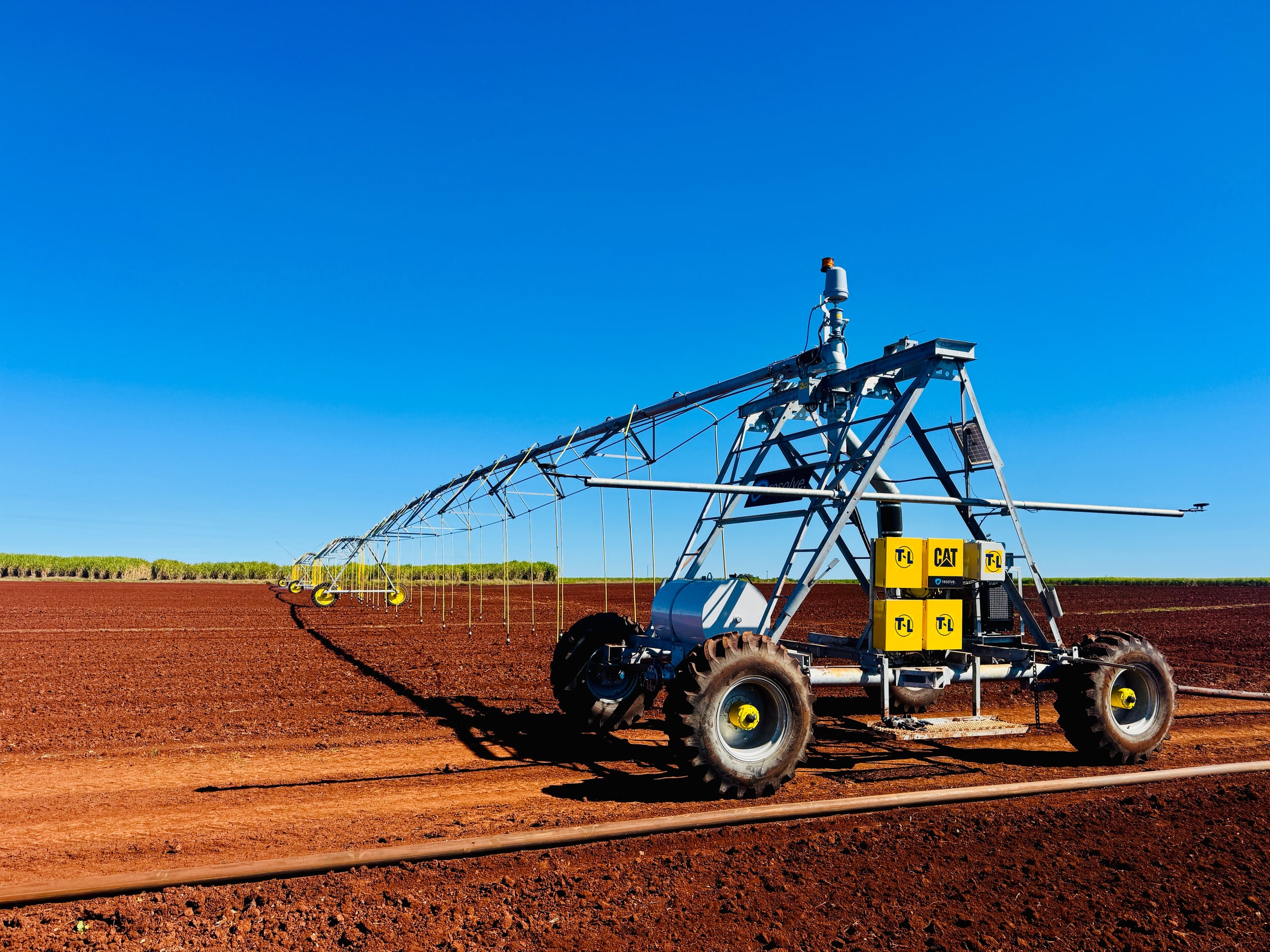 ULTRA LINEAR / RESOLVE WATER
CONNECT THE EQUIPMENT YOU KNOW
Available readings and controls are confirmed for your installation.
WHEN YOUR SETUP NEEDS MORE
Alongside everyday pivot control, Control-X supports specialist linear guidance and deeper troubleshooting.
See where your ULTRA pivoting linear is in the field, its current path and direction, through linear travel and pivoting operation.
See when your RTK GPS guided linear is off path, how far it has moved from the guidance line and to which side.
Go beyond the everyday stats with actual and set speeds, RTK fix status, satellite count, pressure, flow and run times where supported. More context for you and your technician when something needs a closer look.
Available information depends on your installed controller, sensors and connection.
FROM FIRST LOOK TO FARM VIEW
Your T-L pivots, controllers and farm locations.
A walkthrough of the views and controls relevant to you.
Resolve checks your equipment and talks you through the next steps.
A FEW GOOD QUESTIONS
Control-X works with T-L pivots using PPC III, PPT, PPT PRO and EDGE control panels, with diesel and electric drive setups. It also works with PLC III controlled linears and ULTRA linears. Resolve Water confirms the available readings and commands for your installation.
Control-X brings multiple pivots into one farm view, with a farm switcher for customers managing more than one location. Ask for a demonstration using your setup.
Yes. The interface is designed around phone use, including clear operating states, a farm map and straightforward access to each pivot’s details.
See the distance and side of any offset from the guidance path. Go deeper into actual and set speeds, RTK fix status, satellite count, pressure, flow and run times when you need to investigate. Available information depends on the installed equipment.
Reporting includes application by angle, run history, water use and clearly marked data gaps. Available reporting depends on the data captured by your equipment.
LET’S TAKE A LOOK
Tell us a little about your T-L setup.
We’ll help you find the right Control-X setup for your farm.